
Transform Your Walls with the Paint Previewer
Explore a wide range of paint colors and finishes for your interiors, exteriors, and furniture—discover the ideal shade before you make your final choice.
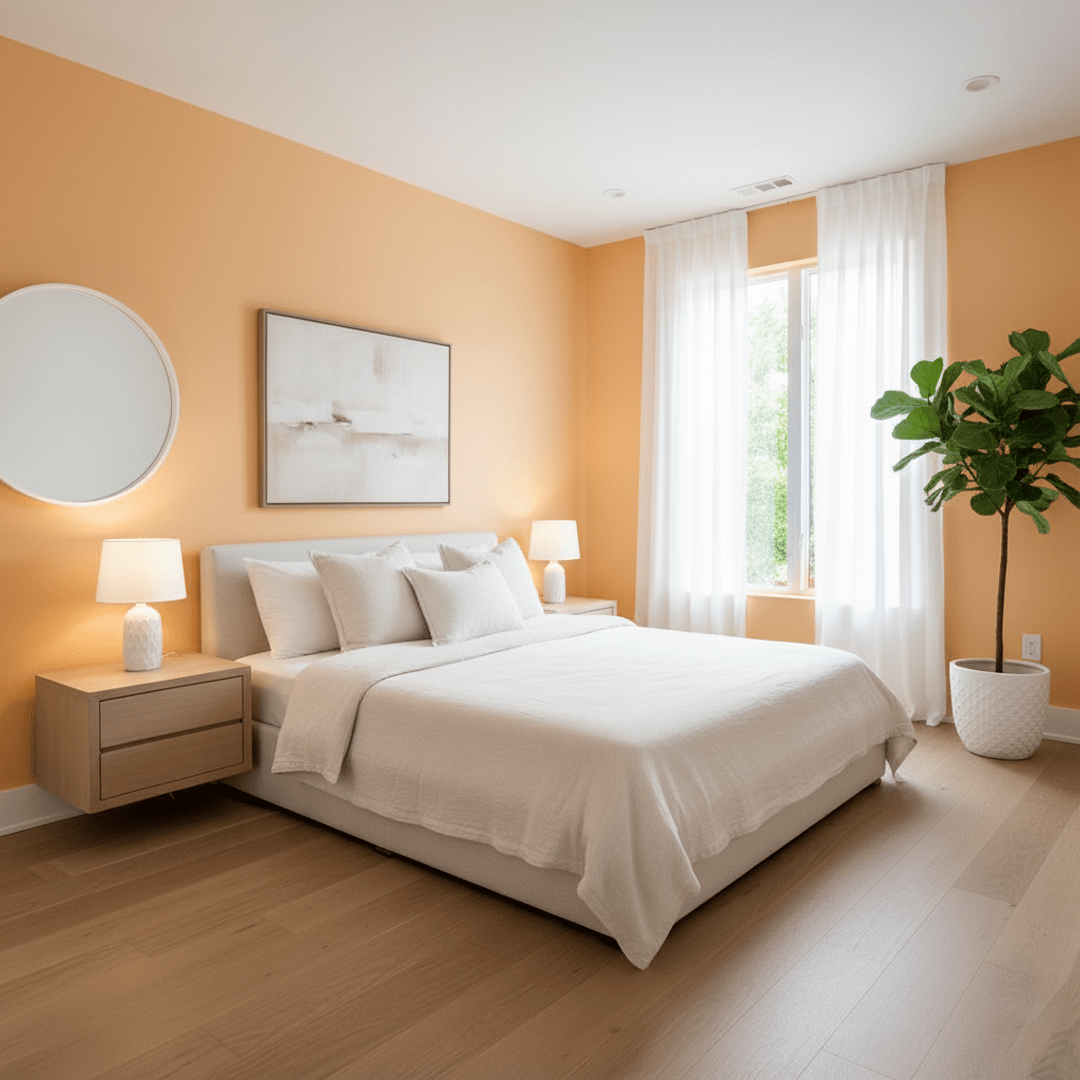
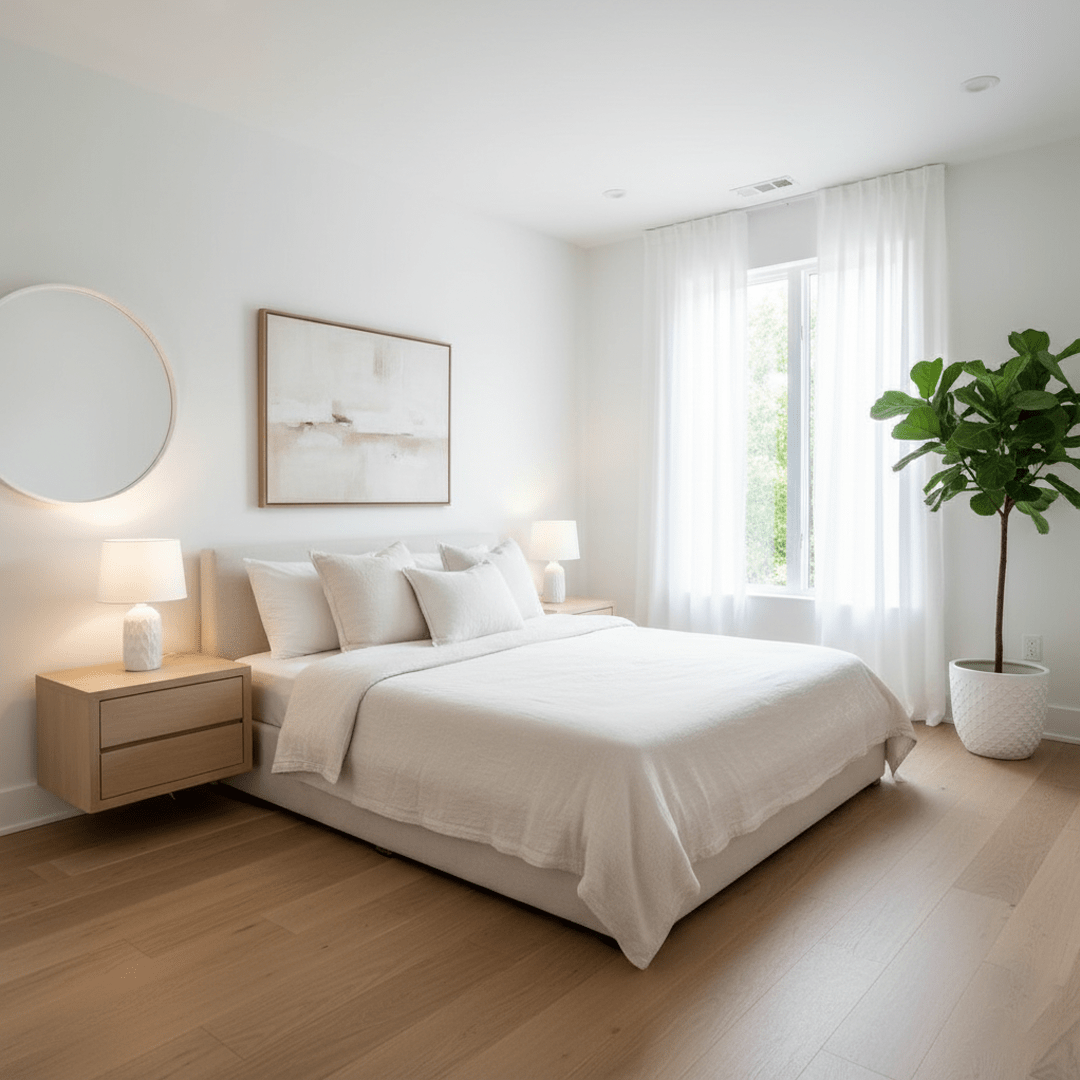
How Paint Previewer Works
Simple steps to preview paint colors in your space
Upload Your Image
Start with a clear, high-quality photo of walls, exteriors, or furniture surfaces you want to repaint.
Automatic Surface Detection
Our AI detects paintable areas like walls, ceilings, trims, doors, or exterior surfaces, preparing them for precise color application.
Select Paint Zones
Highlight specific areas manually or use our automatic selection tools to focus on walls, ceilings, or selected parts of the facade.
Choose Paint Colors
Browse through a curated library of popular colors, create custom shades with the color wheel, or upload your own unique color sample.
Generate Your Design
Click 'Generate' to view realistic previews of your space with new paint colors—complete with lighting effects and finishes.
Who Is Paint Previewer For?
Homeowners
Eager to test paint colors without wasting resources.
Interior Designers
Preparing client presentations with multiple color options.
Realtors
Enhancing listings by virtually updating wall and exterior colors.
Architects
Showcasing color schemes for interiors and exteriors.
DIY Enthusiasts
Exploring bold or subtle color schemes risk-free.
Paint Retailers
Offering customers an easy way to visualize choices.
Event Planners
Coordinating color themes for event spaces.
Students & Educators
Learning color theory and design principles through hands-on visualization.
Key Features
Large Color Library
Large color library plus the option to upload your own colors.
Accurate AI Detection
Accurate AI detection of multiple paintable surfaces.
Versatile Application
Supports interiors, exteriors, decorative surfaces like furniture.
Realistic Visualization
Realistic visualization with lighting, shadows, and finish types.
User-Friendly Interface
User-friendly interface suitable for any skill level.
Save & Compare Options
Save multiple color variations and compare side-by-side to make the best decision.
FAQ
Elevate your painting projects with confidence using InDraw.AI Paint Previewer
Visualize paint colors before you buy — no design experience required!